How can I stop my endpoint from running?
Last updated: April 21, 2025
Auto-shutdown
When you create an endpoint you can select an auto-shutdown timeframe during the configuration step:

We offer the following timeframes:
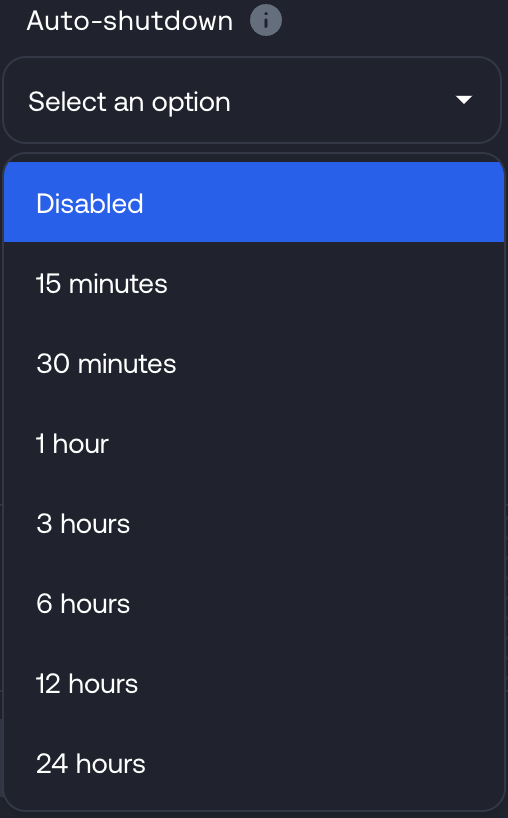
If you need to shut down your endpoint before the auto-shutdown period has elapsed, you can do this in a couple of ways
Web
Shutdown during deployment
When your model is being deployed, you can click the red stop button to stop the deployment:

Shutdown when the endpoint is running
If the dedicated endpoint has started, you can shut down the endpoint by going to your models page.
From there, click on the Model to expand the drop down:

Click the three dots and then Stop endpoint:
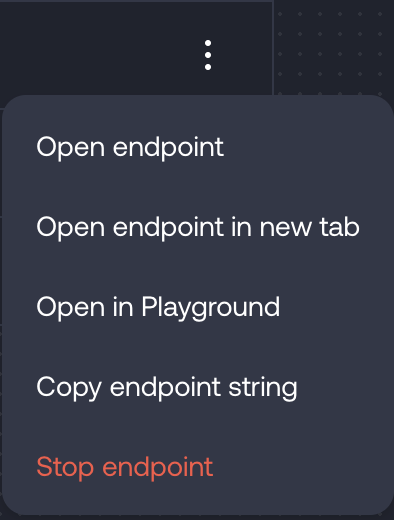
Then confirm this in the pop out prompt:
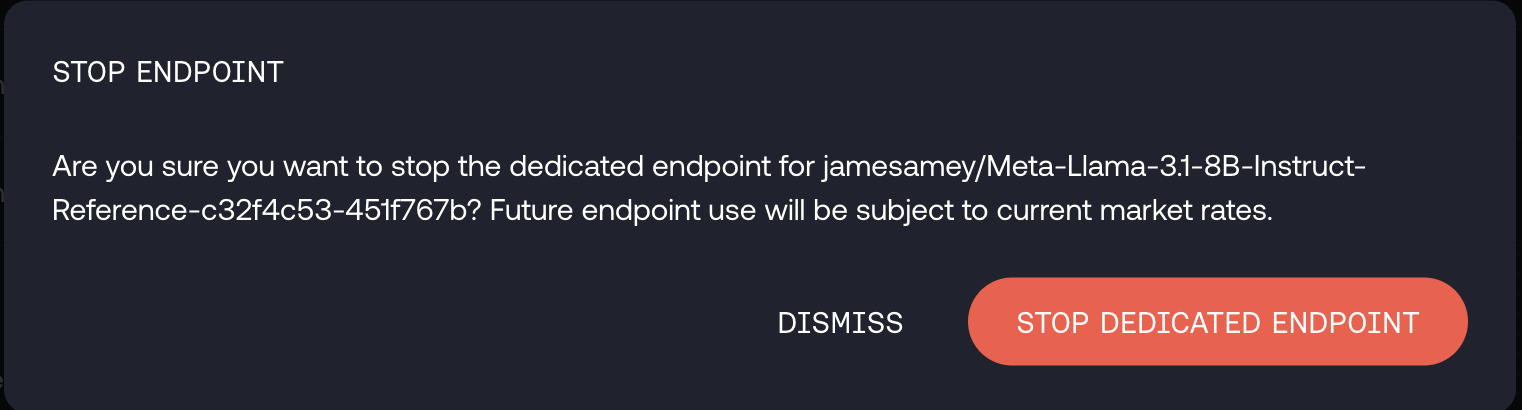
Once the endpoint has stopped, you will see it is offline on the models page:
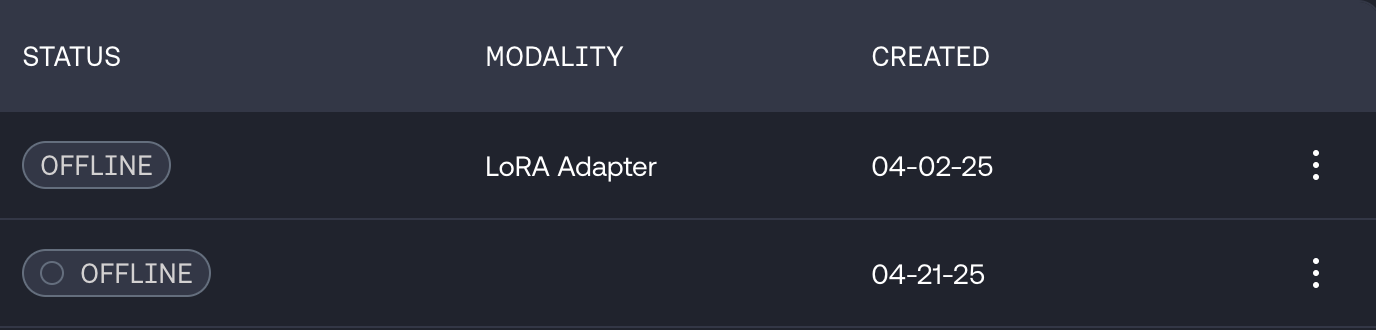
You can use the same three dots menu to start the endpoint again if you did this by mistake.
API
Stop command
You can also use the together.ai CLI to send a stop command, as covered in our documentation.
To do this you will need your endpoint ID.