Can I add multiple payment cards?
Last updated: April 17, 2025
At the moment together.ai only allows you to link one payment card at a time to your account.
You can however change this card at any time through your accounts billing settings:
How to change your payment card
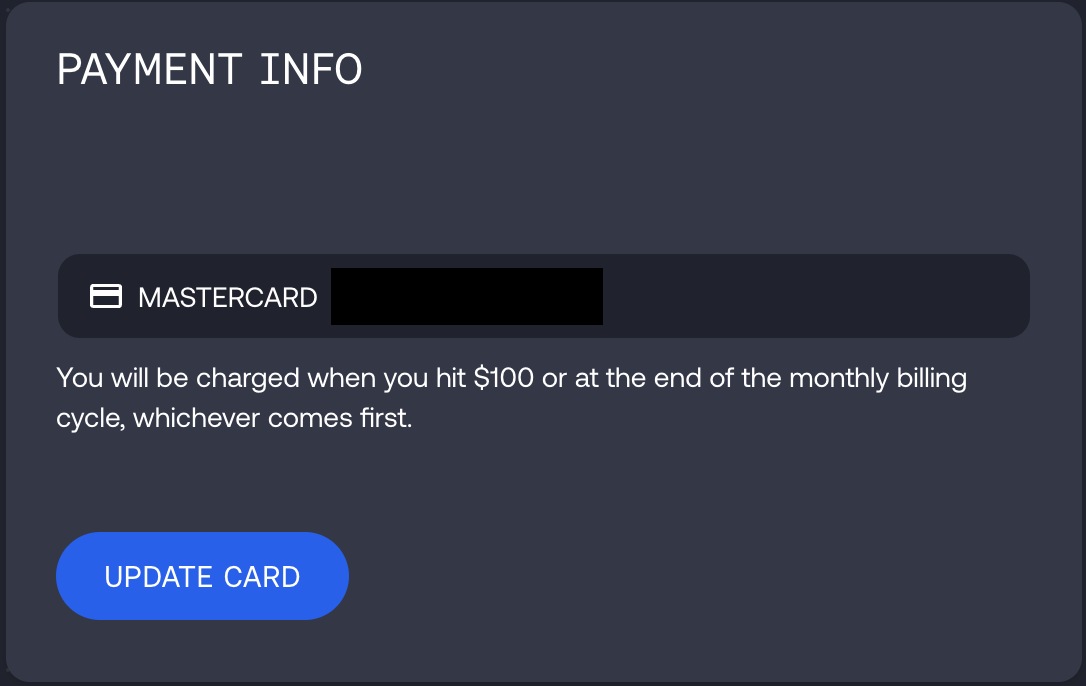
Once you're in your billing settings, just click the update card button in the Payment Info panel:
A pop up window will then appear, where you can enter your new cards details:
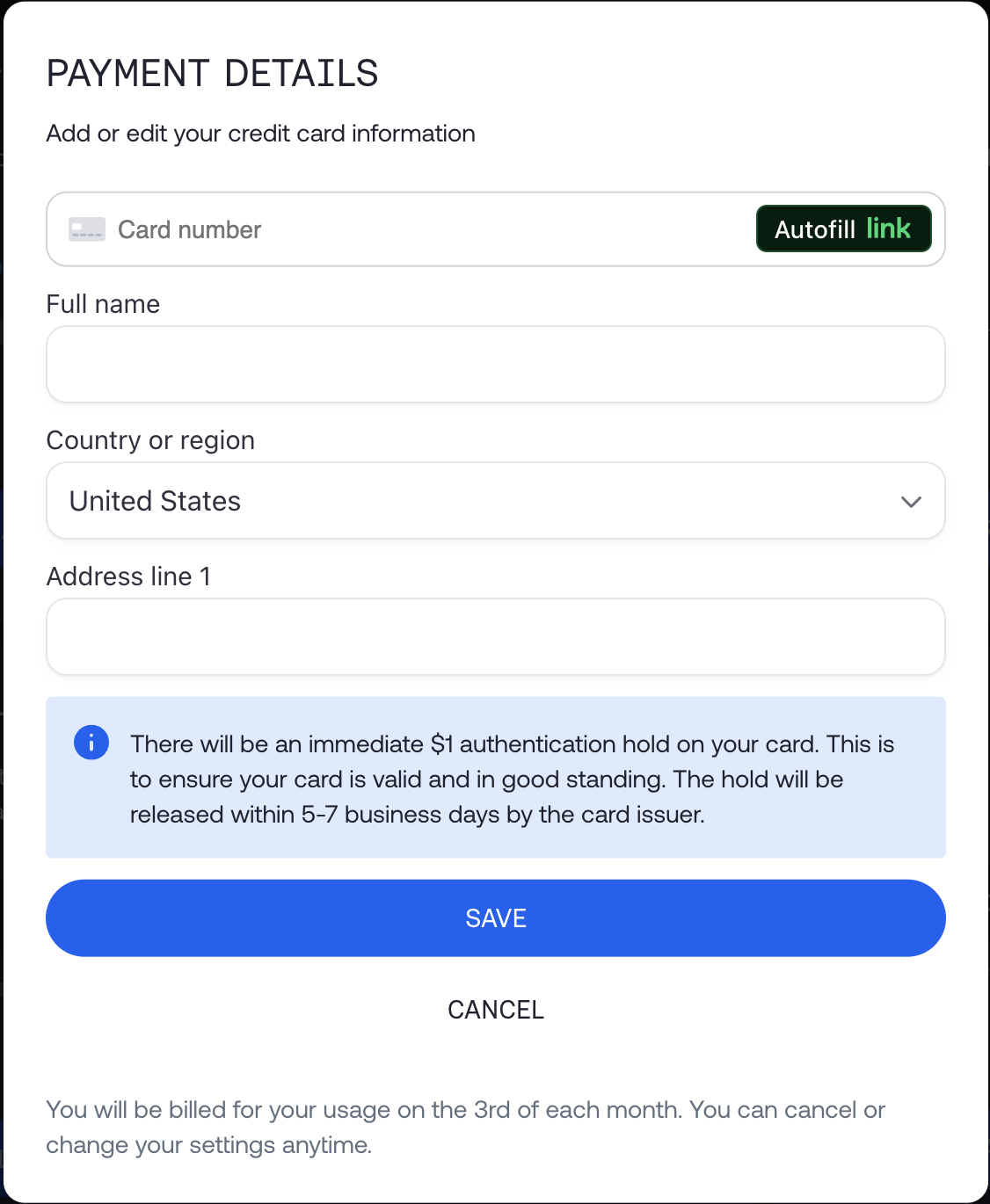
Once you've entered the details, just hit save and complete any verification steps requested by your card provider to update the linked card on your account.
Can I remove my card details from my account?
When you link a card to togethers systems, it makes updates to your account that allow you to go into a negative balance. On the understanding that you will be charged for this balance on the 3rd of each month.
Due to these account changes, you can only update the linked payment card. You will not be able to delete the card linked to the account without replacement details.